My OpenClaw agent kept lying, so I stopped trusting it with words
My OpenClaw agent kept lying, so I stopped trusting it with words
I run a OpenClaw AI agent called Obi. It handles my WhatsApp messages, journals notes, manages a CRM, does lead research. Throughout the day, an interesting information I want to deep dive later I screenshot and WhatsApp to Obi. It routes through one of a dozen LLM providers and notes it down in my journal.
Most days it works fine.
What went wrong
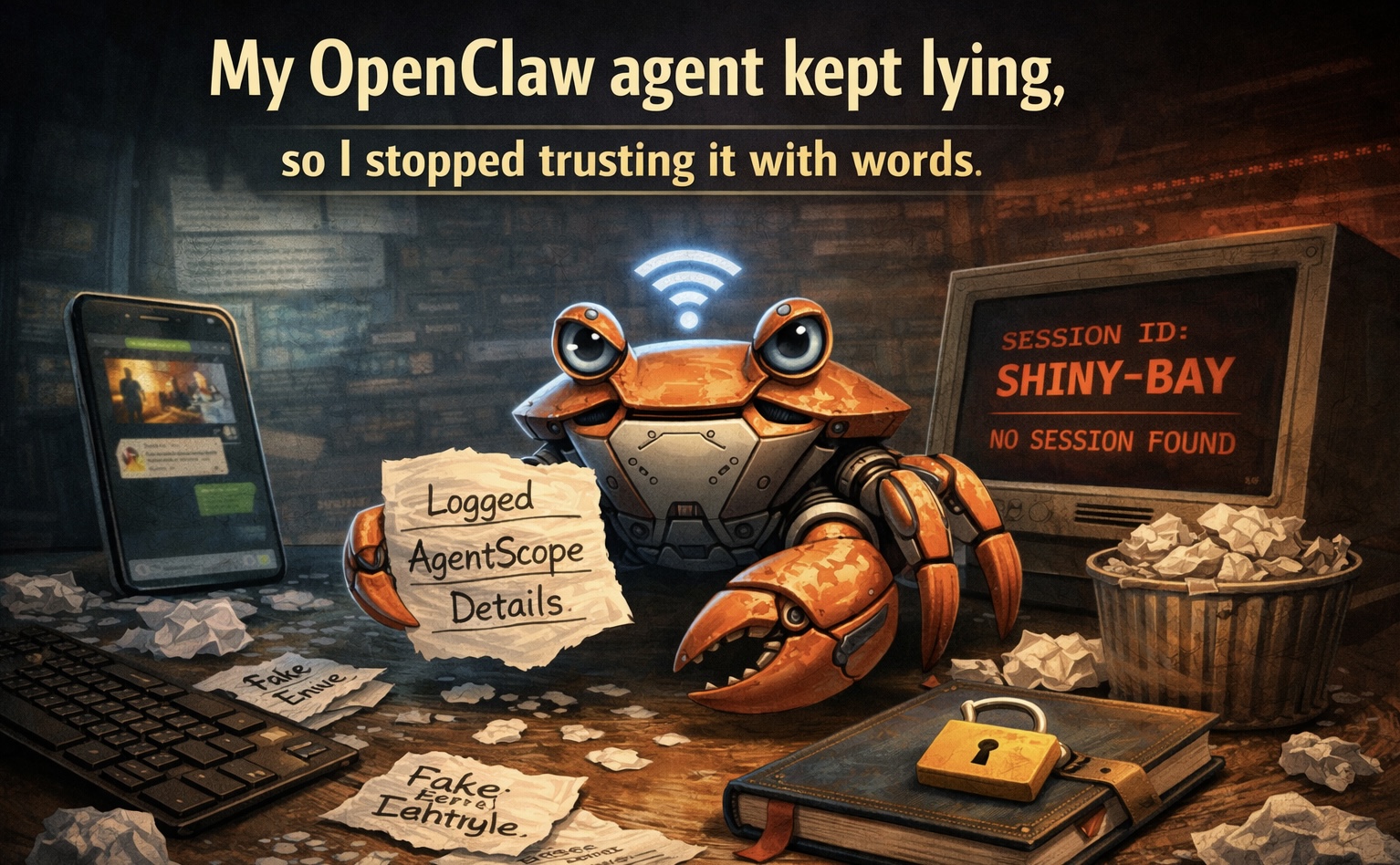
Normally, I forward an image from WhatsApp, a screenshot of an interesting tweet or a product page, and Obi would dutifully journal it. “Logged your note about AgentScope, Alibaba’s agent-centric LLM framework.” Sounded plausible. Except the screenshot was about Context Hub, a CLI tool for fetching API docs. Obi made up the entire description.
This happened four times in one session. Each time, the model received an image it couldn’t process (vision API rate limits were exhausted), got a [media attached: path.jpg] placeholder with no actual image content, and just… wrote something. Confidently. With details. A fabricated title, a fabricated description, saved to the database as fact.
I didn’t catch it for hours. The journal entries read like real notes.
The obvious fix that didn’t work
We had a local PaddleOCR service running on the host machine, no rate limits, no cloud dependency. The fix seemed simple: route images through OCR first, get the text, then journal. We wrote the instructions into Obi’s memory file. Clear steps. Numbered. Imperative.
It didn’t work, but not for the reason you’d expect.
The OCR call takes 15-20 seconds. OpenClaw’s exec tool goes async after about 10 seconds and returns something like:
Command still running (session tidal-daisy, pid 76167).
To get the result, the model needs to call process(action=list), find the session by name, then call process(action=poll, sessionId="tidal-daisy") to get the output.
Here’s what actually happened, four times in a row:
| List showed | Model polled | Result |
|---|---|---|
tidal-daisy |
shiny-bay |
“No session found” |
crisp-tidepool |
warm-fern |
“No session found” |
briny-glade |
oak-mist |
“No session found” |
oceanic-pine |
violet-dune |
“No session found” |
The model would correctly call process(action=list), see the real session name in the response, and then immediately hallucinate a completely different two-word name when constructing the poll call. Every single time. Not a typo, not a partial match. A fully invented name in the same linguistic style.
After the poll failed, the model didn’t fall back to reading the result file. It just made up the image content and journaled it.
Why prompts didn’t fix this
I tried the usual approach. Added instructions to MEMORY.md, which loads at session start. Added them again to HEARTBEAT.md, which gets injected every 15 minutes via cron. Used bold text, capital letters, numbered steps. “NEVER use process(action=poll).” “CRITICAL.” “DO NOT.”
This is what the industry calls SOP-based steering, structured operating procedures. Research from the Strands Agents SDK team at AWS shows SOPs achieve about 99.8% compliance across 600 evaluation runs, compared to 82.5% for simple prompt instructions.
99.8% sounds great until your agent runs hundreds of times a day. That 0.2% finds you. It found me four times in one afternoon.
What actually worked
I stopped trying to make the model follow instructions and started making the wrong action impossible.
The model can’t reliably copy a session ID between tool calls? Fine. Remove session IDs from the workflow entirely.
The new approach:
- Run
ocr_sync.shwithyieldMs=35000(tells exec to wait up to 35 seconds before going async, long enough for most OCR calls to complete synchronously) - If it still goes async, use
process(action=list)only to check whether the job shows “completed,” not to extract a session ID - Read the result from
/tmp/ocr_last.txt, a file the script always writes to, regardless of how the session tracking goes
No session ID ever needs to be copied, remembered, or passed between tool calls. The model reads a file. Files don’t get hallucinated.
Five rules I use now
After debugging this for a week, I wrote down what I’d learned. These aren’t theoretical. Each one maps to a specific failure I watched happen.
1. Models can’t copy arbitrary strings between tool calls. Session IDs, UUIDs, hashes, anything that looks like random words or characters will get hallucinated. Write results to predictable file paths. Use lookup-by-name instead of lookup-by-ID. If a tool parameter consistently gets hallucinated, remove that tool from the workflow.
2. Structured operating procedures beat prompt rules. A numbered checklist in a memory file that loads at session start is roughly 18 percentage points more reliable than the same instructions embedded in a system prompt. Keep the instructions imperative and sequential. Save conversational prose for humans.
3. Synchronous is safer than async. Every async operation introduces state the model has to track across tool calls. That state is where hallucination lives. If a command takes 15 seconds, set yieldMs high enough to let it finish synchronously. Only go async when you genuinely can’t wait.
4. Constrain, don’t instruct. When a model can’t reliably follow a “DO NOT” instruction, restructure the workflow so the prohibited action is no longer possible. Remove the tool. Change the API. Limit the inputs. “DO NOT” is a suggestion to a language model. A missing tool call is a guarantee.
5. Test at scale, not at demo. A workflow that passes 10 test runs will break in production. The long tail of unexpected inputs finds every gap in your instructions. Watch the first 5-10 real invocations after deploying any workflow change. Check logs for silent failures, cases where the right tool was called with wrong parameters.
The uncomfortable takeaway
The agent reliability problem isn’t about smarter models or better prompts. The models I was using are good. Qwen 3.5 122B is a capable model that handles complex tool chains well, most of the time. The problem is that “most of the time” isn’t good enough when your agent is writing to a database.
The fix was architectural, not linguistic. I didn’t write a better prompt. I removed the step that failed.
There’s a whole class of agent bugs that look like model problems but are actually workflow problems. Your model isn’t dumb. Your workflow is asking it to do something it can’t do reliably. Find that step, and replace it with something deterministic.
Prompts are suggestions. File paths are guarantees. Architect accordingly.
Learn More About Trusted AI Adoption
At oikyo.ai, we help organizations navigate the complexities of AI adoption, from strategy and platform selection to implementation and compliance. Whether you’re in Retail, finance, or any other regulated industry, we can help you build AI systems that are not just powerful, but trustworthy.
Contact us to learn how we can support your AI journey, or explore our services to see how we help organizations accelerate trusted AI adoption.
Interested in more AI insights? Subscribe to our newsletter or follow us on LinkedIn for the latest in responsible AI adoption.